Table of Contents
 Doc Summary

This comprehensive guide walks you through the migration from Shopify to Aiphilia. By following these steps, businesses can successfully transition their e-commerce operations, customer data, and automation workflows, leveraging Aiphilia’s advanced marketing and CRM tools to enhance overall efficiency and customer engagement.
TABLE OF CONTENTS
- Preparation for Migration
- Export & Migrate Data
- Rebuild Operations and Automations
- Document and Contract Management
- Testing and Validation
- Train Team Members
- Decommissioning Shopify
Preparation for Migration #
Step 1: Review Current Shopify Setup #
- Identify Key Assets: Catalog all essential elements such as products, customer data, orders, and automation workflows currently in use within Shopify.
- Assess Data Volume: Evaluate the size and complexity of the data to be migrated, including the number of product listings, customer records, and sales data.
Step 2: Define Migration Objectives #
- Set Clear Goals: Determine the primary reasons for migrating to Aiphilia, such as better marketing automation, integrated CRM capabilities, or unified sales and marketing operations.
- Prioritize Features: Identify critical components for migration, focusing on customer data, orders, and essential automations.
Step 3: Prepare Backup #
- Export Data from Shopify: Export all relevant data (customers, products, orders, etc.) from Shopify as CSV files.
- Backup Documentation: Securely store all exported files and related documentation to ensure data safety before starting the migration process.
Export & Migrate Data #
Step 1: Export Data from Shopify #
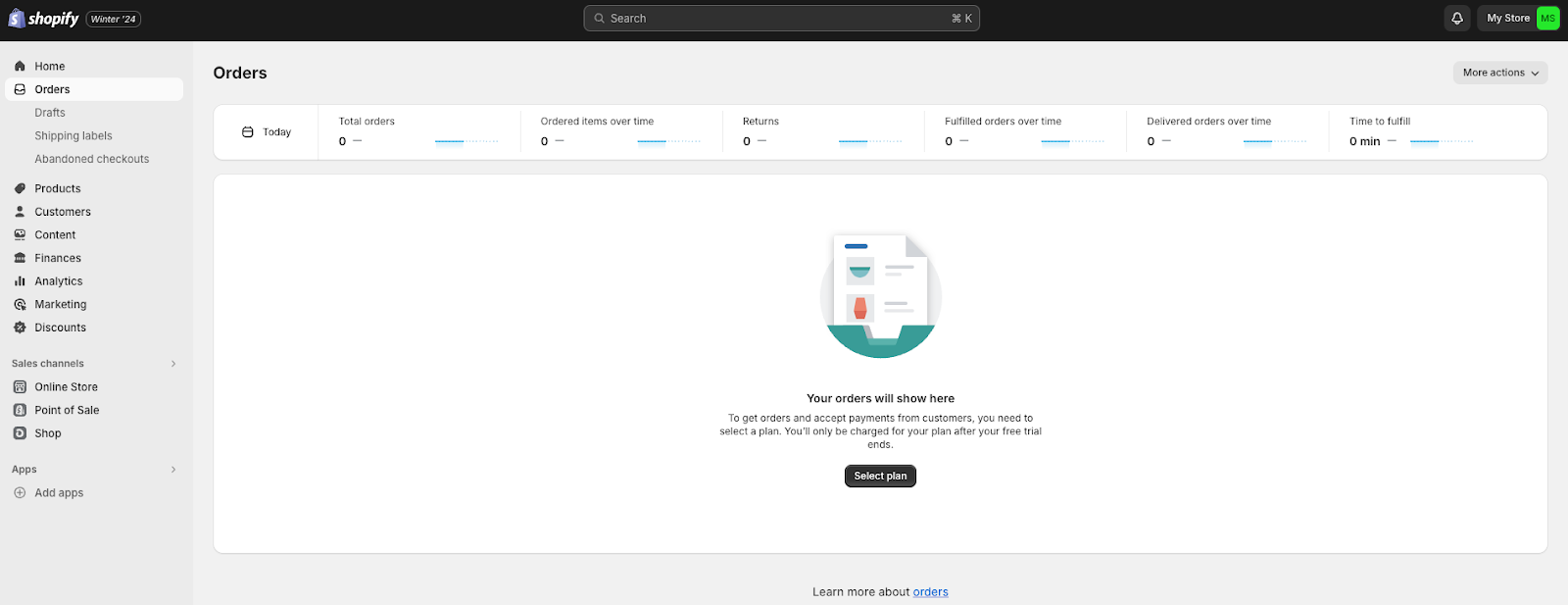
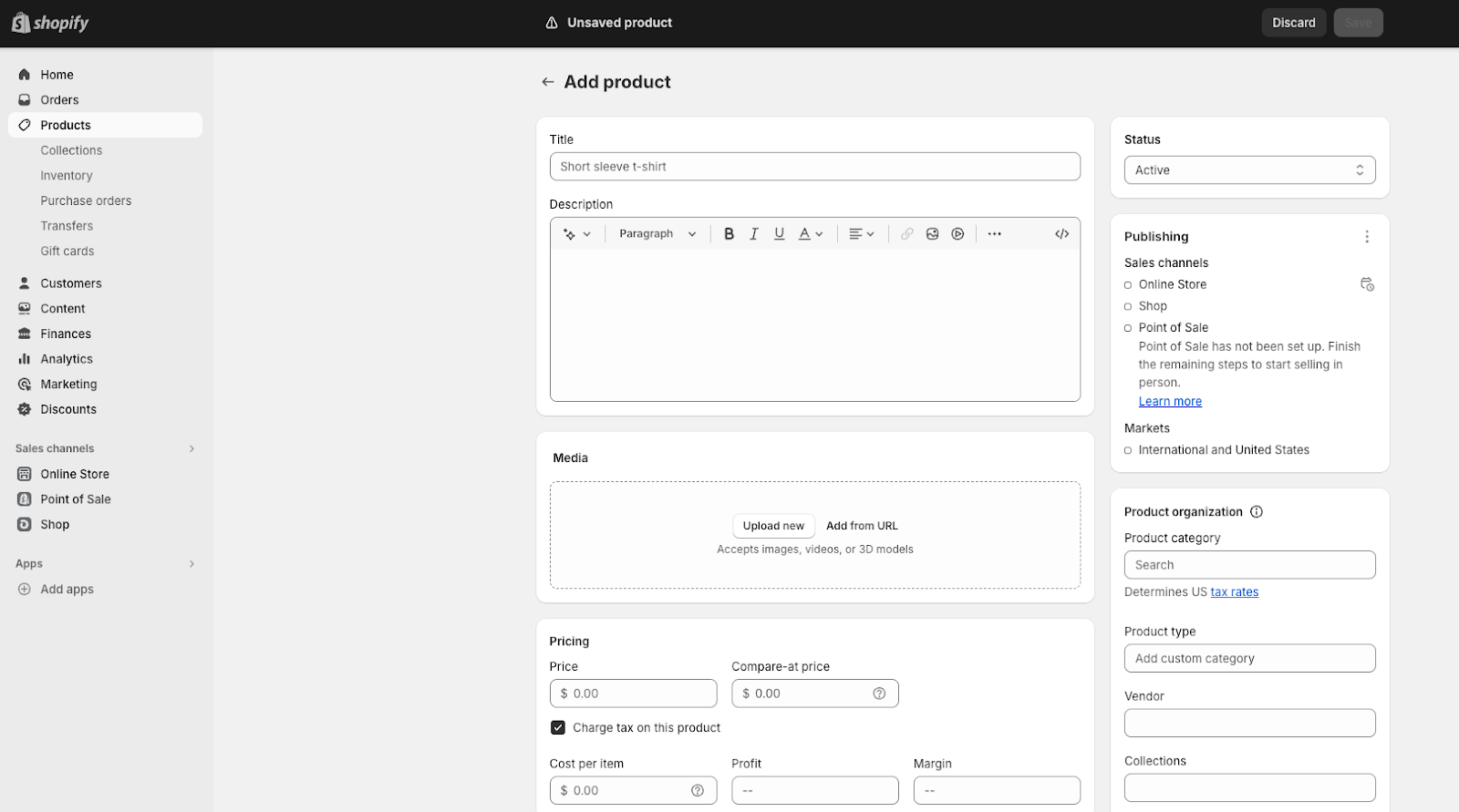
- Export Products: In Shopify, navigate to Products > All Products and use the export function to download all product data as a CSV file, including descriptions, pricing, and inventory levels.
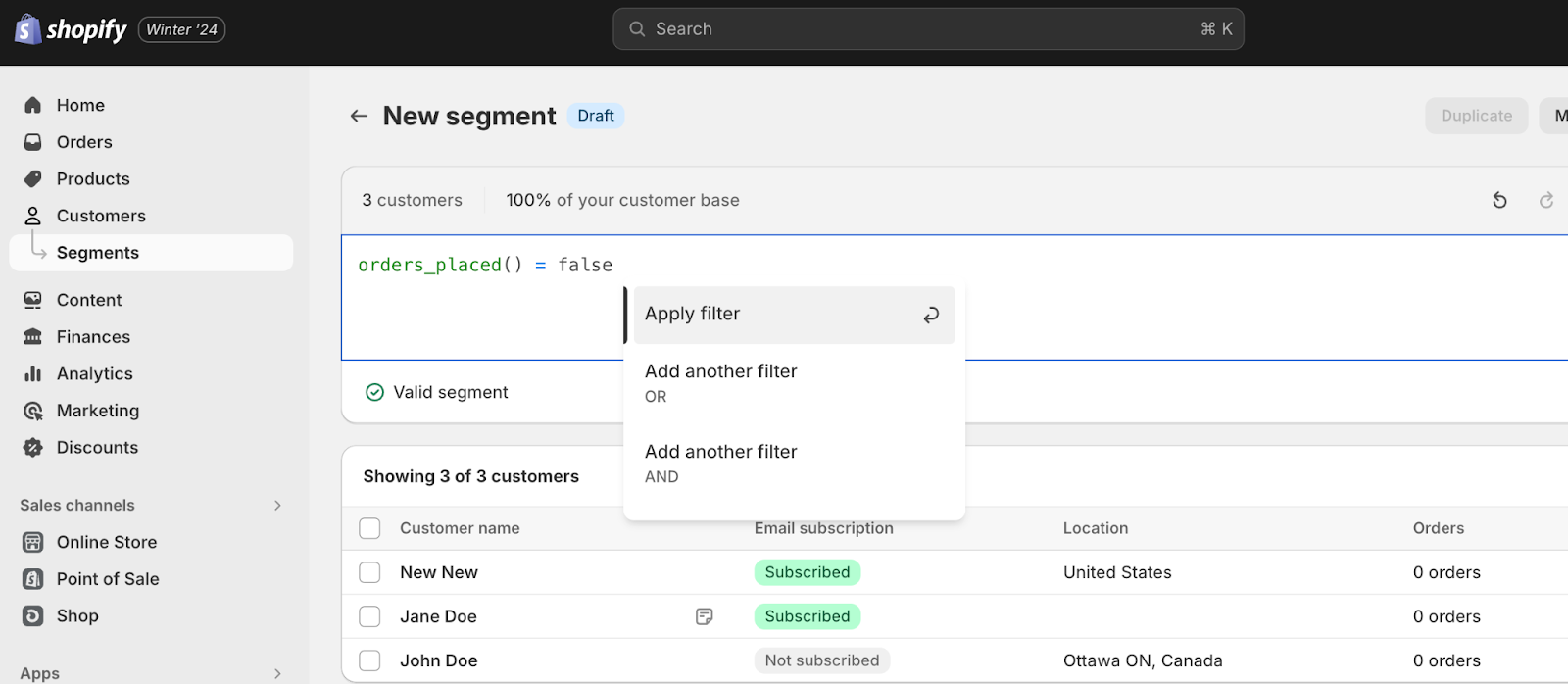
- Export Customers: Go to Customers in the Shopify admin and export the customer list, including details like names, emails, phone numbers, and any custom fields.
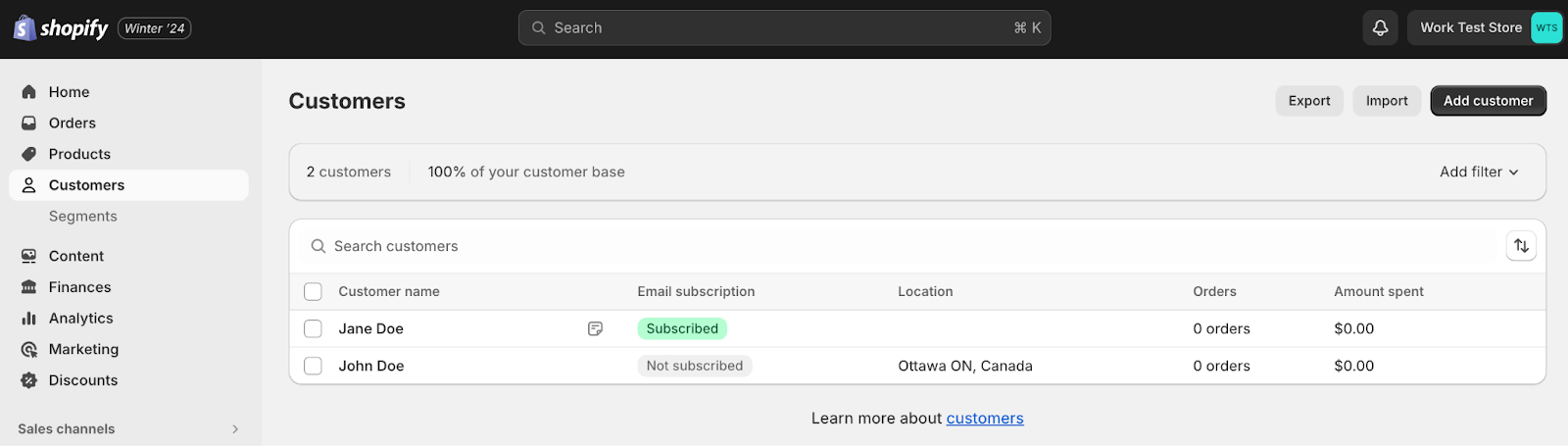
- Export Orders: Navigate to Orders and export all order history, ensuring that all relevant data like order numbers, customer details, and order statuses are included.
Step 2: Import Data into Aiphilia #
- Import Customers: In Aiphilia, go to Contacts > Import Contacts and upload the CSV file exported from Shopify. Ensure all fields are correctly mapped during the import process.
- Import Products: Recreate or import product data in Aiphilia by navigating to the product management section. Ensure that product details, pricing, and inventory levels are accurately reflected.
- Import Orders: Import order history into Aiphilia to maintain continuity in customer and sales tracking. Use the appropriate tools or integrations to map order data correctly.
Rebuild Operations and Automations #
Step 1: Recreate Products in Aiphilia #
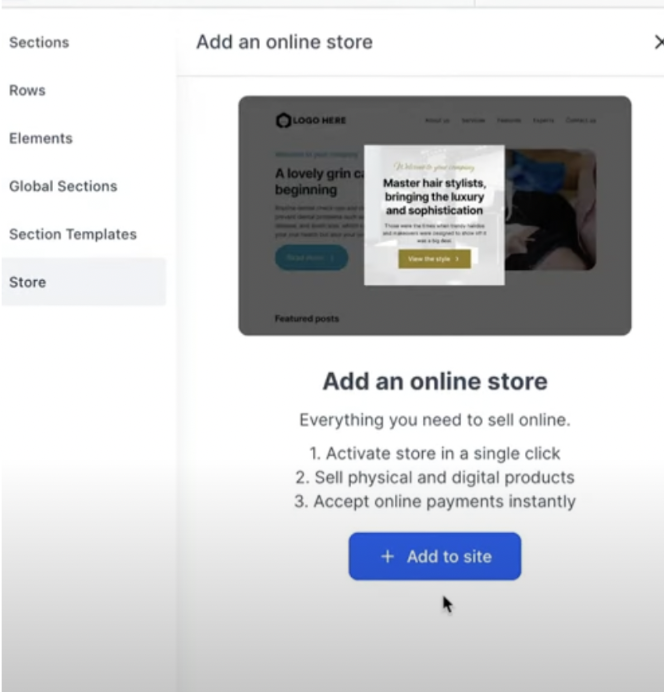
- Set Up Product Listings: In Aiphilia, go to the product management section and create listings for each product, ensuring that all product details, images, pricing, and inventory levels are accurately entered.
- Configure Payment and Shipping Options: Set up payment gateways and shipping options in Aiphilia to ensure seamless checkout processes for customers.
Step 2: Recreate Automation Workflows in Aiphilia #
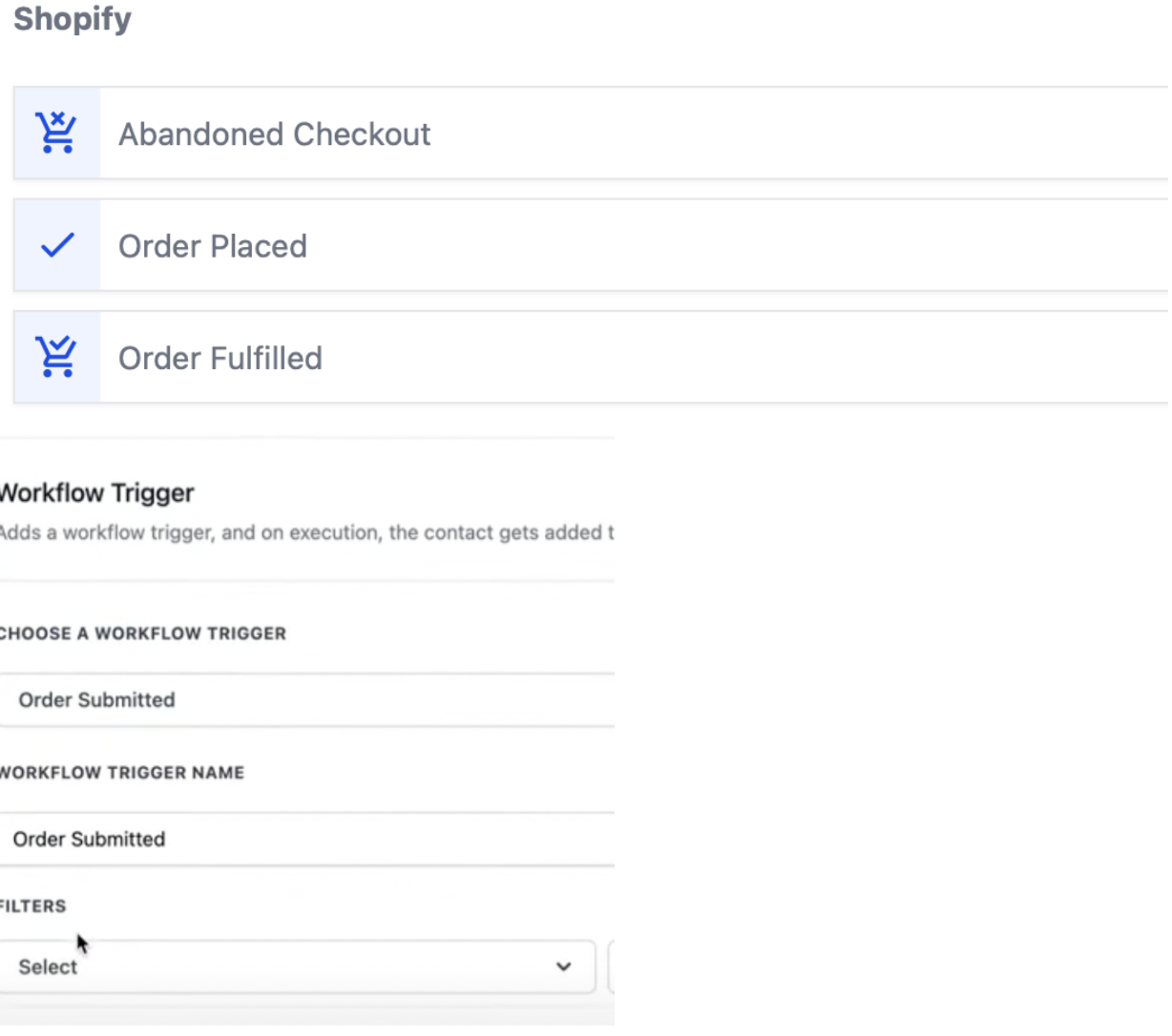
- Set Up E-commerce Automations: Rebuild Shopify automation workflows in Aiphilia by navigating to Automations > Workflows. Recreate triggers (e.g., abandoned cart recovery, order confirmations) and corresponding actions (e.g., sending emails, updating order statuses).
- Integrate Communication Channels: Ensure that email and SMS automation are correctly set up in Aiphilia, utilizing its integrated communication tools to maintain engagement with customers.
Document and Contract Management #
Step 1: Transfer and Rebuild Templates #
- Export Templates from Shopify: Download any existing document templates (invoices, order confirmations, etc.) from Shopify.
- Import and Rebuild in Aiphilia: Recreate these templates in Aiphilia by navigating to payments then templates for documents and invoices. Use the editor to set up invoices, order confirmations, and other necessary documents.
Step 2: Set Up E-signature and Document Tracking #
- Enable E-signature: Configure Aiphilia’s document features to include e-signature capabilities for contracts and agreements if applicable.
- Track Document Engagement: Set up tracking features to monitor when documents are opened, viewed, or signed, similar to document tracking in Shopify.
Testing and Validation #
Step 1: Test Ecommerce Operations #
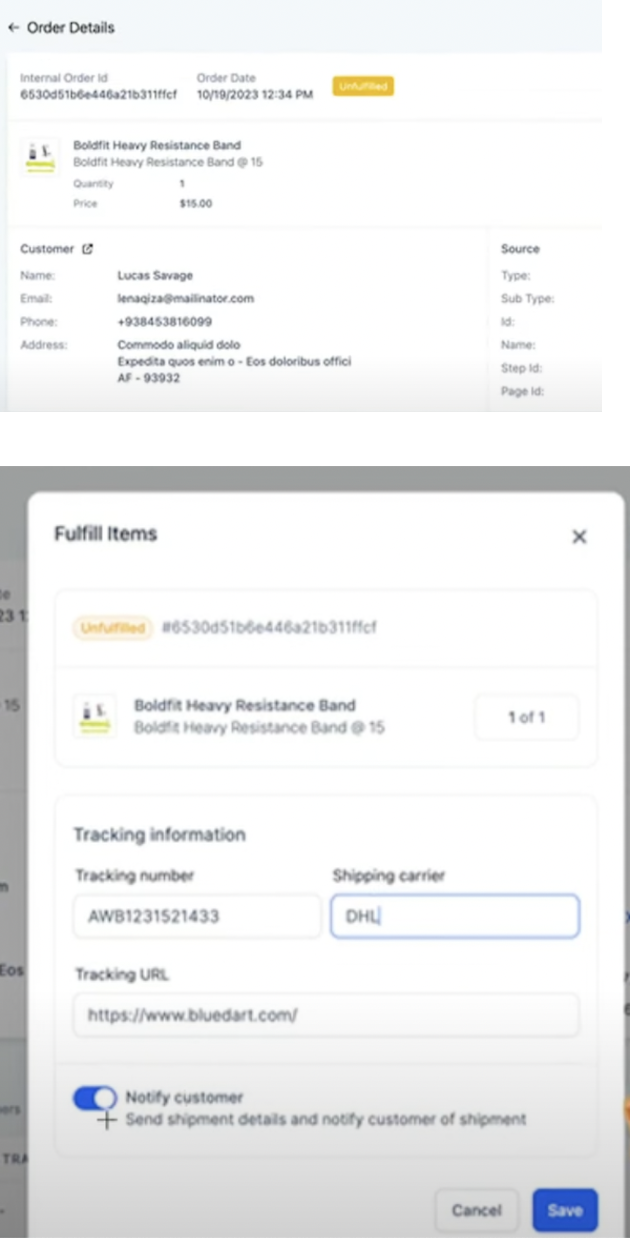
- Perform End-to-End Testing: Simulate e-commerce transactions in Aiphilia by placing test orders, processing payments, and fulfilling orders to ensure proper functionality.
- Validate Data Integrity: Cross-check imported data to confirm that customer records, products, and orders are accurately represented.
Step 2: Validate Automation Workflows #
- Run Test Scenarios: Test each automation workflow in Aiphilia to ensure triggers and actions function as intended.
- Verify Communication Channels: Ensure that emails, SMS, and other communication actions execute correctly within the workflows.
Train Team Members #
Step 1: Team Training and Transition #
- Aiphilia Training: Conduct training sessions to familiarize team members with Aiphilia’s interface and features, particularly focusing on e-commerce and automation tools.
- Provide Documentation: Distribute user guides and SOPs tailored to Aiphilia’s functionalities to support team members during the transition.
Step 2: Monitor and Optimize #
- Monitor System Performance: Regularly review the performance of e-commerce operations and automations post-migration.
- Optimize Workflows: Adjust workflows as needed based on team feedback and operational requirements.
Decommissioning Shopify #
Step 1: Transition Period #
- Run Systems in Parallel: Consider running Shopify and Aiphilia in parallel for a short period to ensure a smooth transition.
- Phase Out Shopify: Gradually reduce reliance on Shopify as confidence in Aiphilia grows.
Step 2: Cancel Shopify Subscription #
- Final Backup: Ensure all necessary data is backed up before canceling the Shopify subscription.
- Official Cancellation: Follow Shopify’s process to cancel your subscription and terminate any associated services.
Step 3: Post-Migration Review #
- Review Success: Assess the success of the migration, documenting any challenges and resolutions.
- Ongoing Monitoring: Continue to monitor Aiphilia’s performance, making necessary adjustments to optimize business processes.