 Doc Summary

#
Overview #
By connecting your Zoom account, you can generate dynamic meeting links, reducing the time spent for any manual actions. If you have selected Zoom as your meeting location in any calendar, upon a new booking, the system will automatically generate a unique Zoom link, which will be sent along with the calendar invite.
Prerequisites #
You need access to your Zoom account that you want to connect.
How to Connect Zoom? #
To connect your Zoom account:
1. Go to Calendars > Calendar Settings > Connections.
2. Locate the video conferencing tab.
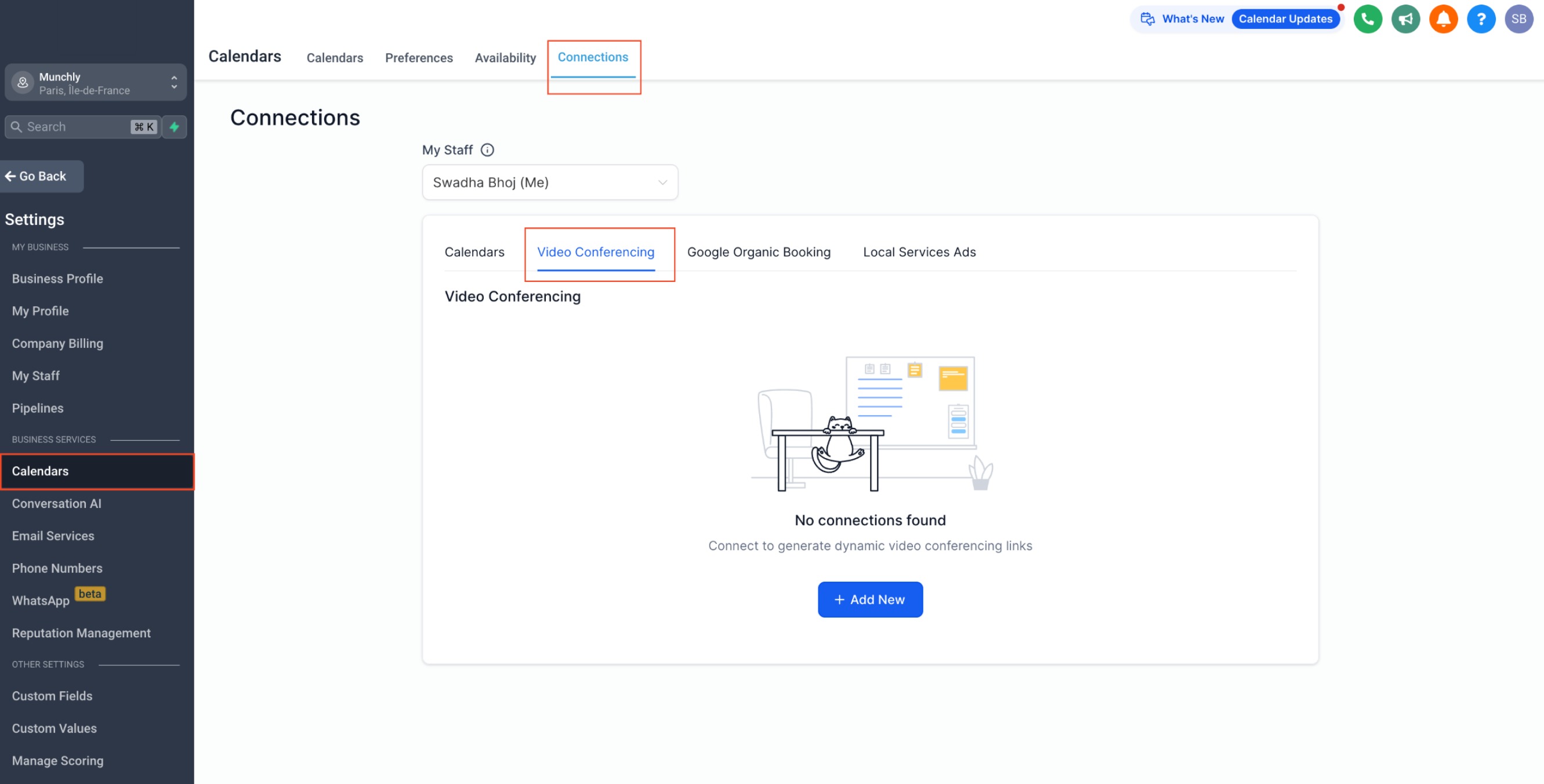
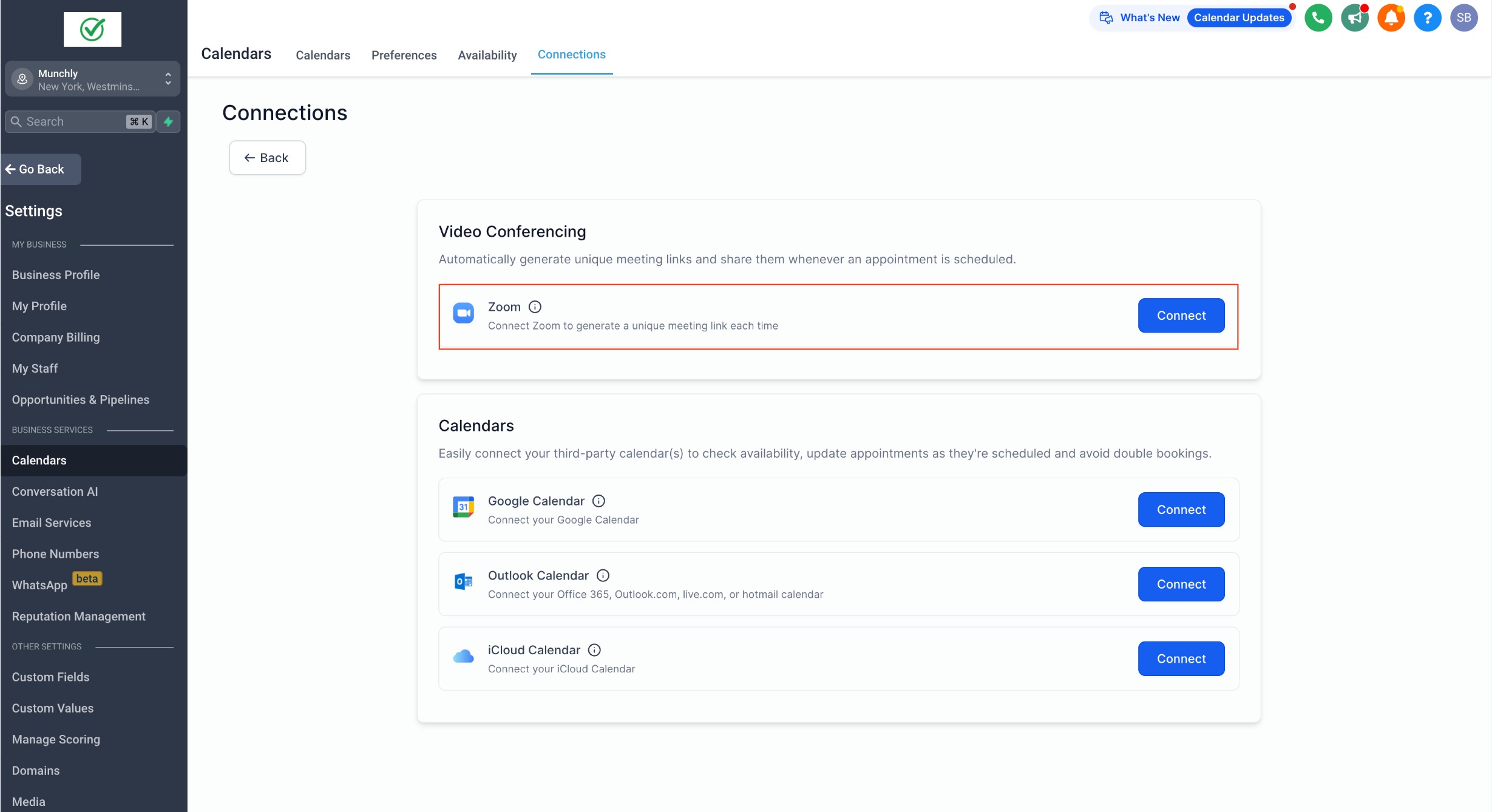
3. Click on “Add New” and then click “Connect” next to Zoom.
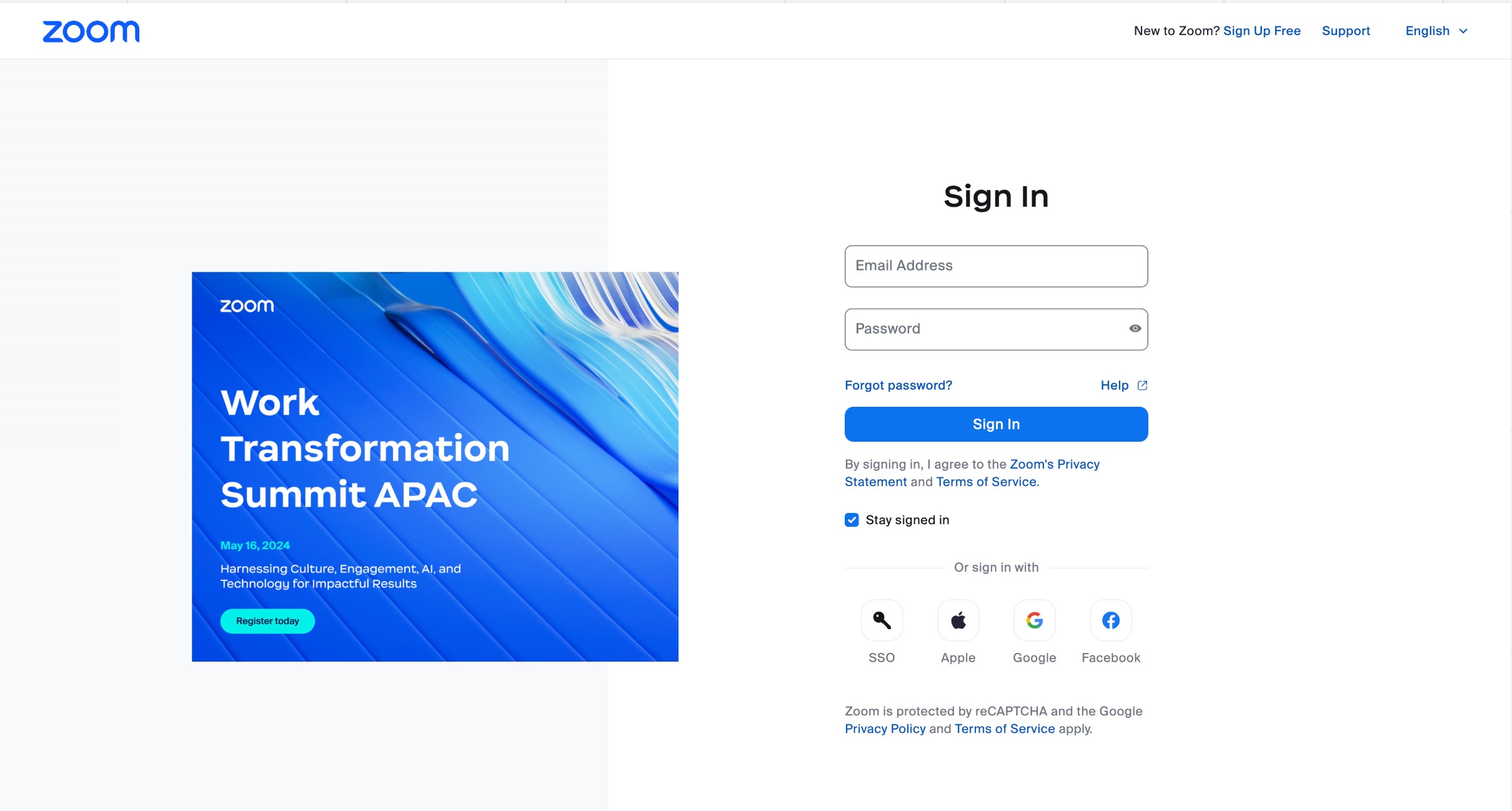
4. Sign in to Zoom with your credentials.
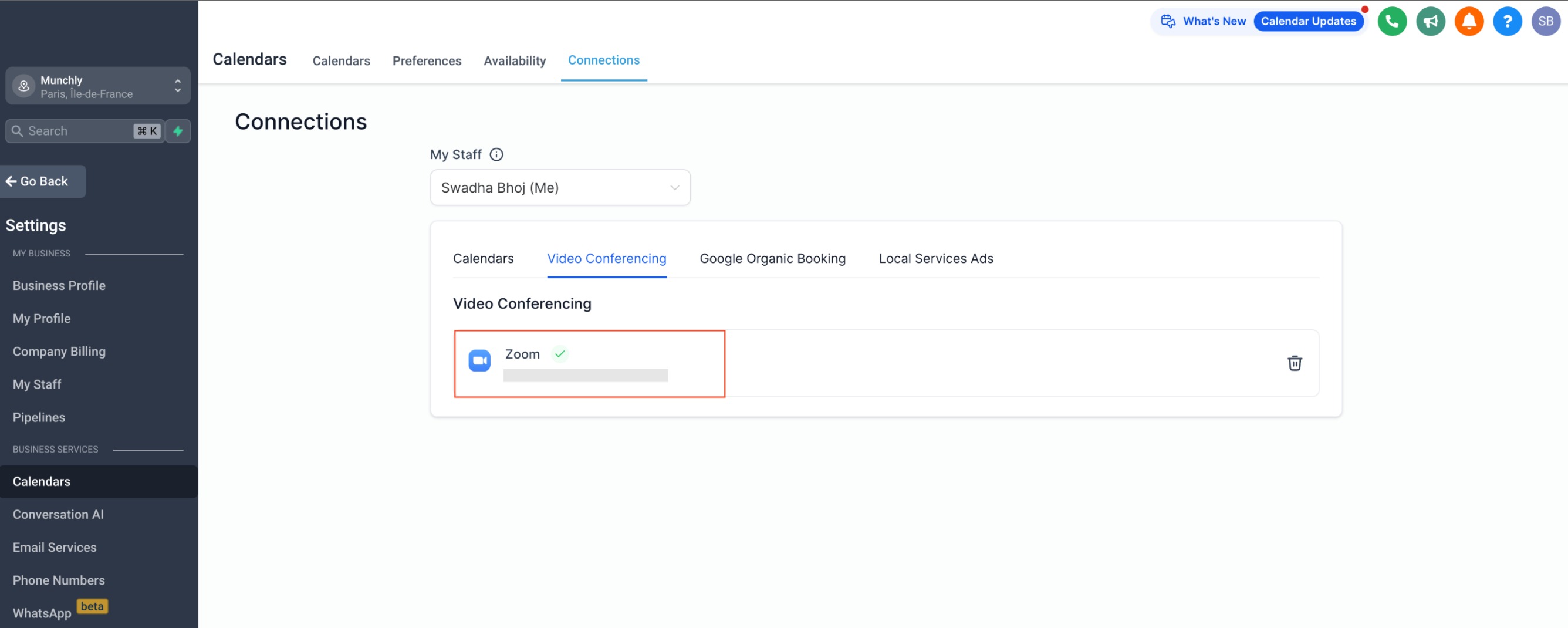
5. Your Zoom account has been successfully connected.
Note: #
Each user can connect only one Zoom account to a subaccount. However, the same Zoom account can be used in multiple subaccounts. Also, within any subaccount or across different subaccounts, multiple users can connect either the same or different Zoom accounts.


